Breaking News Filter
Upload any photo and PrankAI puts it on the news. The photo goes in the box over the anchor's shoulder, the red BREAKING NEWS banner carries the name you type, and the anchor reads your line out loud in a short video.
No download required · Works in your browser · Ready in seconds
Make the Breaking News Filter
Takes about fifteen seconds and one photo.
No password. We email you a code.
If you already have an account, we will log you in.
How It Differs From a Camera Filter
A camera filter puts a banner on your selfie, and everyone can tell. This builds the whole broadcast: the studio, the anchor, the graphic box, the ticker and the screen glare. Your photo becomes the story graphic, and the anchor talks about it.
Headline and Script Rules
The banner reads "[NAME] WANTED FOR QUESTIONING". The anchor's line is yours to write. Keep it short and serious: one or two sentences that fit in five seconds. 'Breaking news. Police are looking for Jake tonight.' is the right tone.
Stories, Not Stations
Use a made-up channel. Real network logos and real events are off limits. The joke is that your friend is on the news, not that the news is fake.
How to make a breaking news filter prank
- 1
Upload a photo
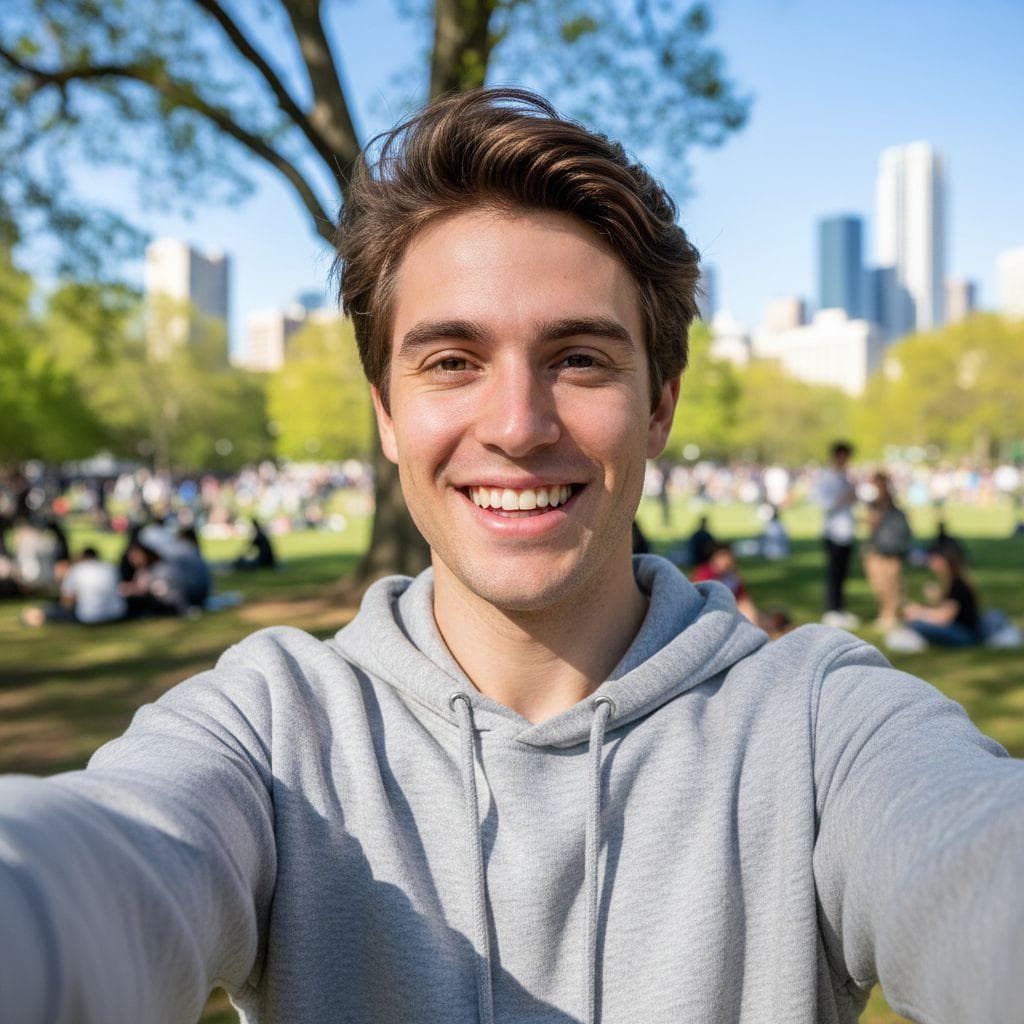
Pick any selfie or a picture of a friend. PrankAI works best with a clear, well-lit view of the face.
- 2
Let the AI generate it
Our AI builds a realistic, high-resolution result in seconds — no design skills or editing software needed.
- 3
Share the prank
Download your creation or send it straight to TikTok, Instagram, iMessage, or the group chat.
Ready to try the Breaking News Filter?
Upload a photo and let PrankAI do the rest. Your prank is seconds away.
Make the Breaking News Filter
Takes about fifteen seconds and one photo.
No password. We email you a code.
If you already have an account, we will log you in.


