Turn Yourself Into a Pixar Character
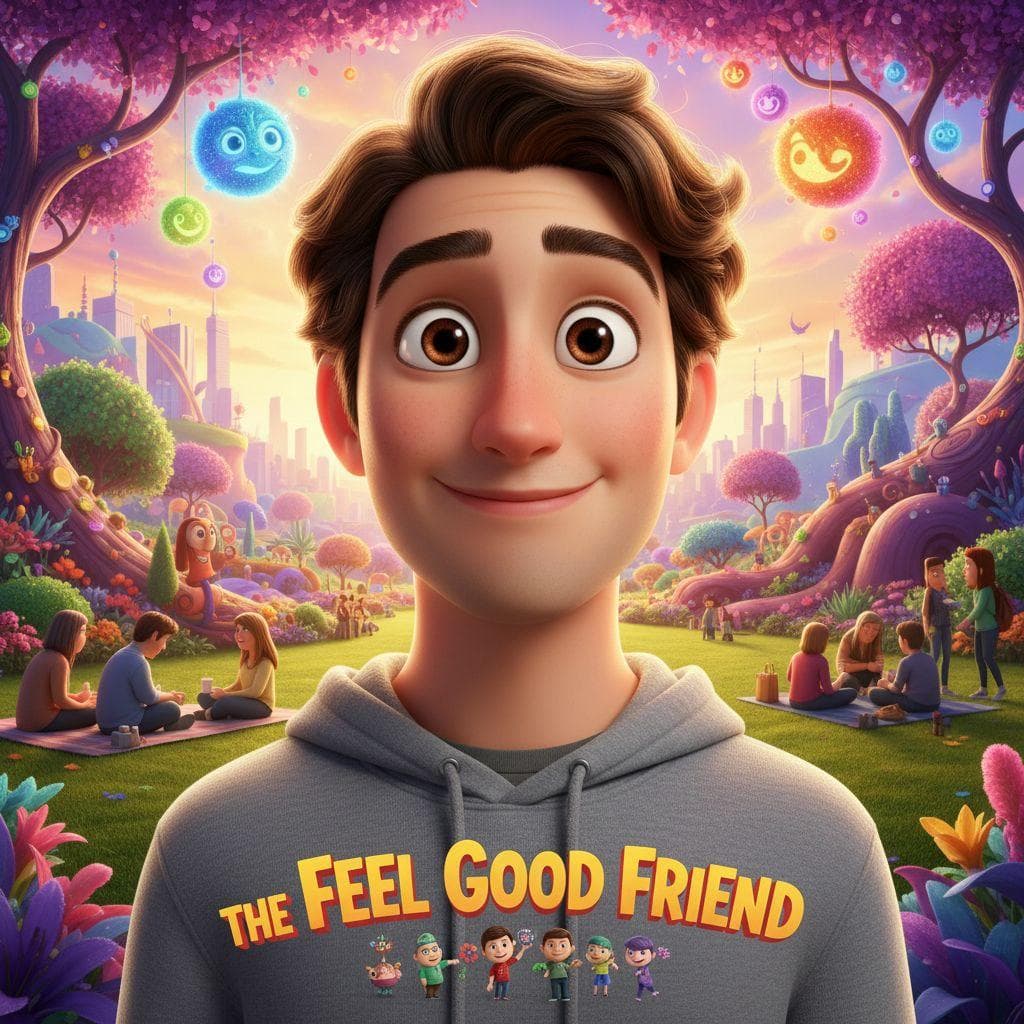
Upload one photo and type a title. PrankAI turns the person into a 3D animated character in the Pixar style, with big expressive eyes, smooth skin and exaggerated features. The character is on a movie poster, and the title you type is printed in the poster font.
No download required · Works in your browser · Ready in seconds
Make the Pixar Character
Takes about fifteen seconds and one photo.
No password. We email you a code.
If you already have an account, we will log you in.
How the Pixar Generator Works
The AI keeps the face, the hair and the expression and rebuilds them as CGI. The poster layout and the lighting are part of the template. You do not write a prompt.
What to Call the Movie
The title is where the joke goes. A pet's name, an inside joke, or a plot: 'Grandpa Finds the Remote'. A kid's photo with their name makes a good birthday poster.
How to make a pixar character prank
- 1
Upload a photo
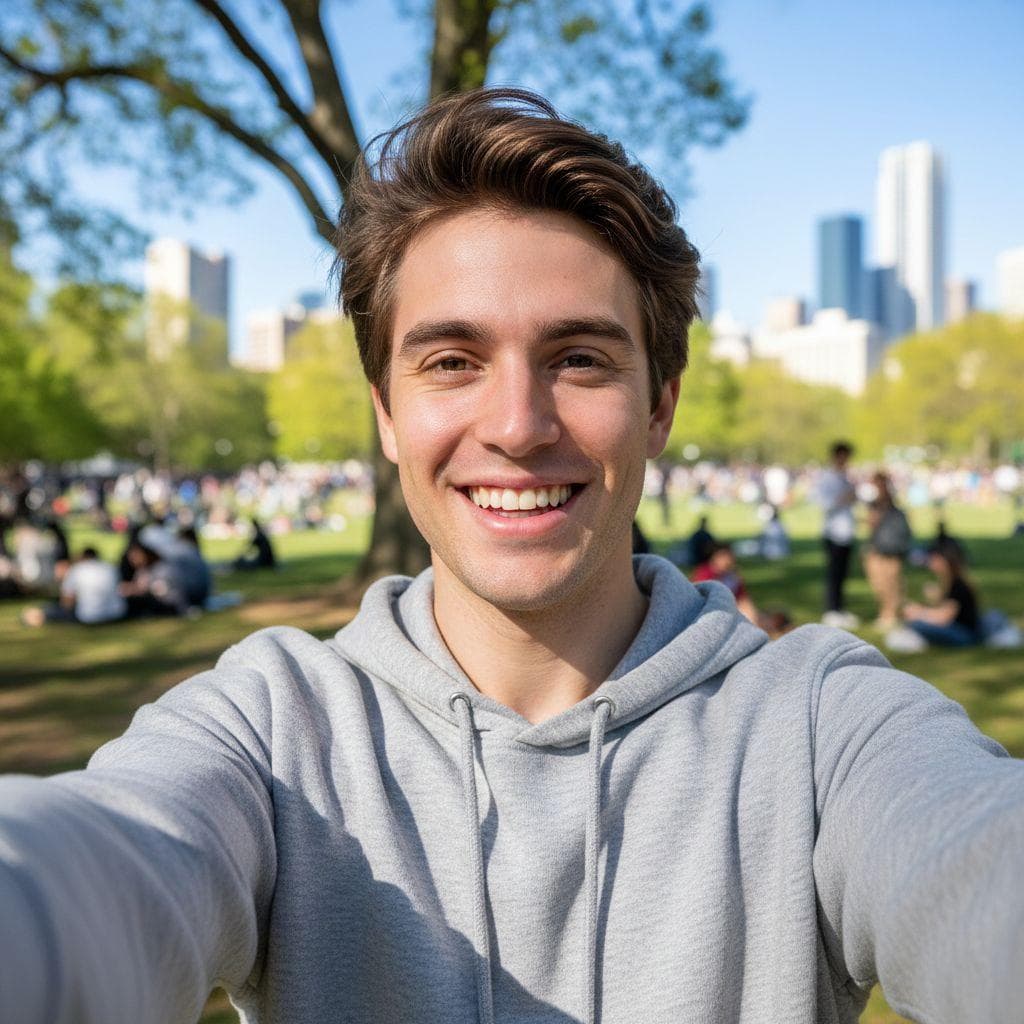
Pick any selfie or a picture of a friend. PrankAI works best with a clear, well-lit view of the face.
- 2
Let the AI generate it
Our AI builds a realistic, high-resolution result in seconds — no design skills or editing software needed.
- 3
Share the prank
Download your creation or send it straight to TikTok, Instagram, iMessage, or the group chat.
Pixar Character questions
- How do I turn myself into a Pixar character?
- Upload a clear photo of one person, type a title for the poster, and press Create.
- Does it work on kids and pets?
- It works best on a person facing the camera. Kids work well. Pets give less reliable results.
Ready to try the Pixar Character?
Upload a photo and let PrankAI do the rest. Your prank is seconds away.
Make the Pixar Character
Takes about fifteen seconds and one photo.
No password. We email you a code.
If you already have an account, we will log you in.


