Old Age Filter
Fast-forward 60 years in one tap. The AI old age filter ages any photo with deep wrinkles, gray hair, and age spots, giving you a startlingly realistic look at someone's future self.
No download required · Works in your browser · Ready in about 15 seconds

Make the Old Age Filter
Takes about 15 seconds and one photo.
No password. We email you a code.
If you already have an account, we will log you in.
How the Old Age Filter Works
Upload a photo and PrankAI's AI adds decades of realistic aging — sagging skin, wrinkles, thinning gray hair, and age spots — while keeping the face recognizably theirs. The result renders in seconds and is ready to share anywhere.
Why Your Friends Will Love It
Seeing your own face at 90 is equal parts fascinating and horrifying, which is exactly why the old age filter spreads. It's a great birthday-group-chat bit and a surprisingly convincing 'look what I'll become' post.
How to make a old age filter prank
- 1
Upload a photo
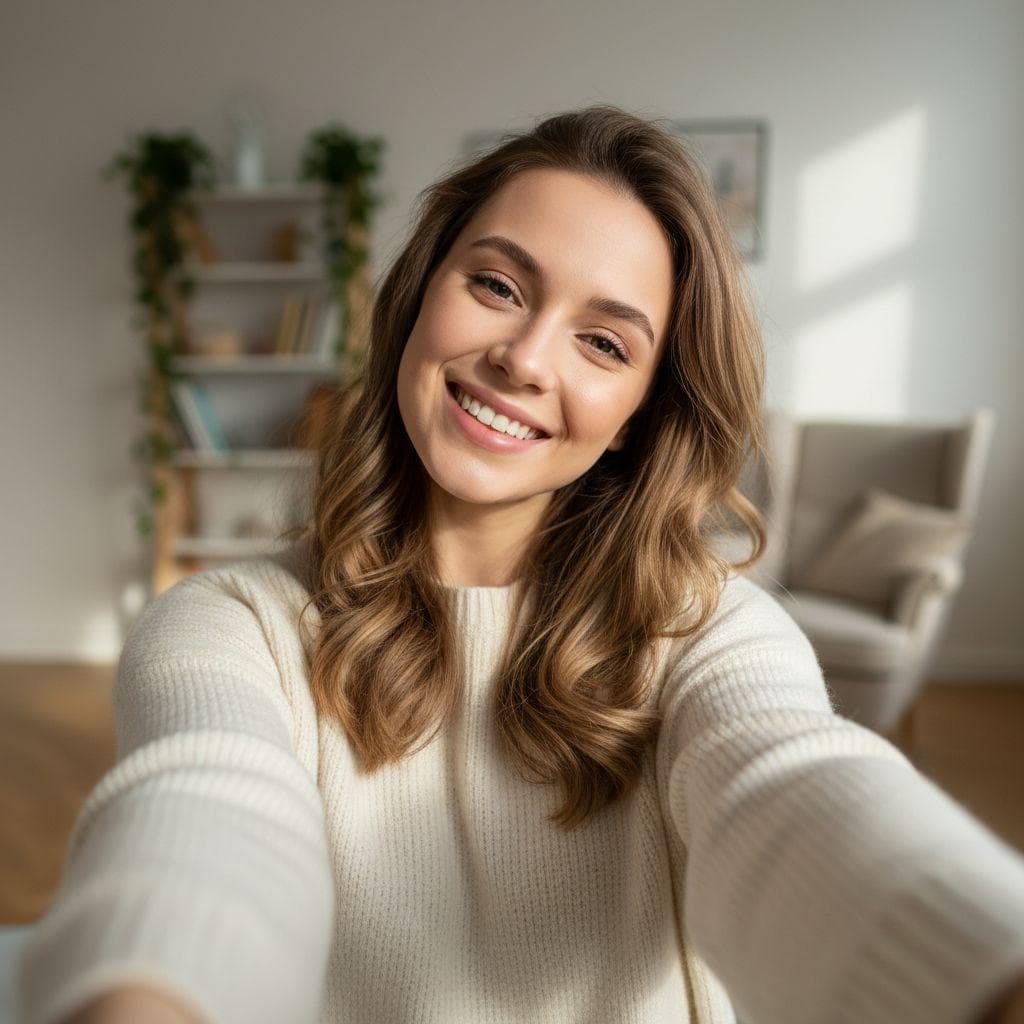
Pick any selfie or a picture of a friend. PrankAI works best with a clear, well-lit view of the face.
- 2
Let the AI generate it
Our AI builds a realistic, high-resolution result in seconds — no design skills or editing software needed.
- 3
Share the prank
Download your creation or send it straight to TikTok, Instagram, iMessage, or the group chat.
Step-by-step guide with screenshots: How to Make Someone Look Old in a Photo with AI
Ready to try the Old Age Filter?
Upload a photo and let PrankAI do the rest. It is ready in about 15 seconds.
Make the Old Age Filter
Takes about 15 seconds and one photo.
No password. We email you a code.
If you already have an account, we will log you in.


