Fake Hickey Prank
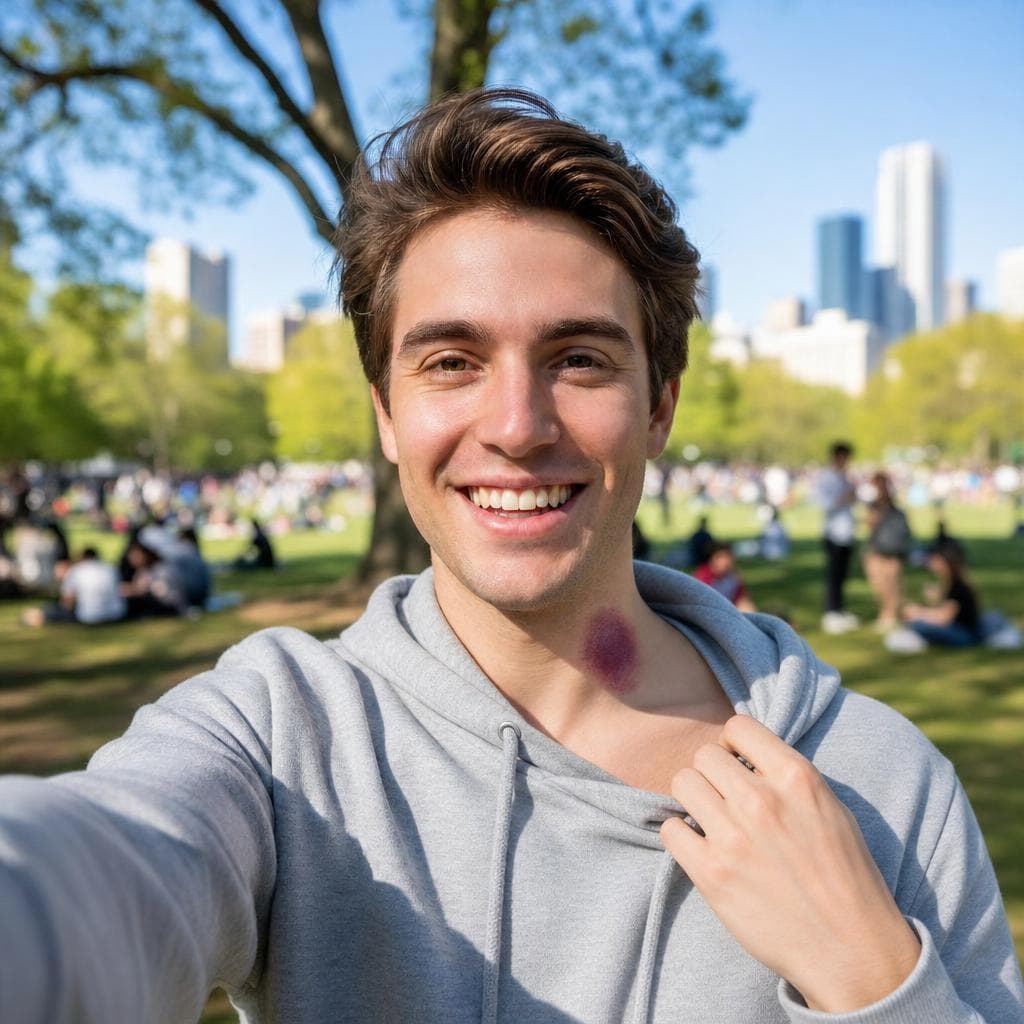
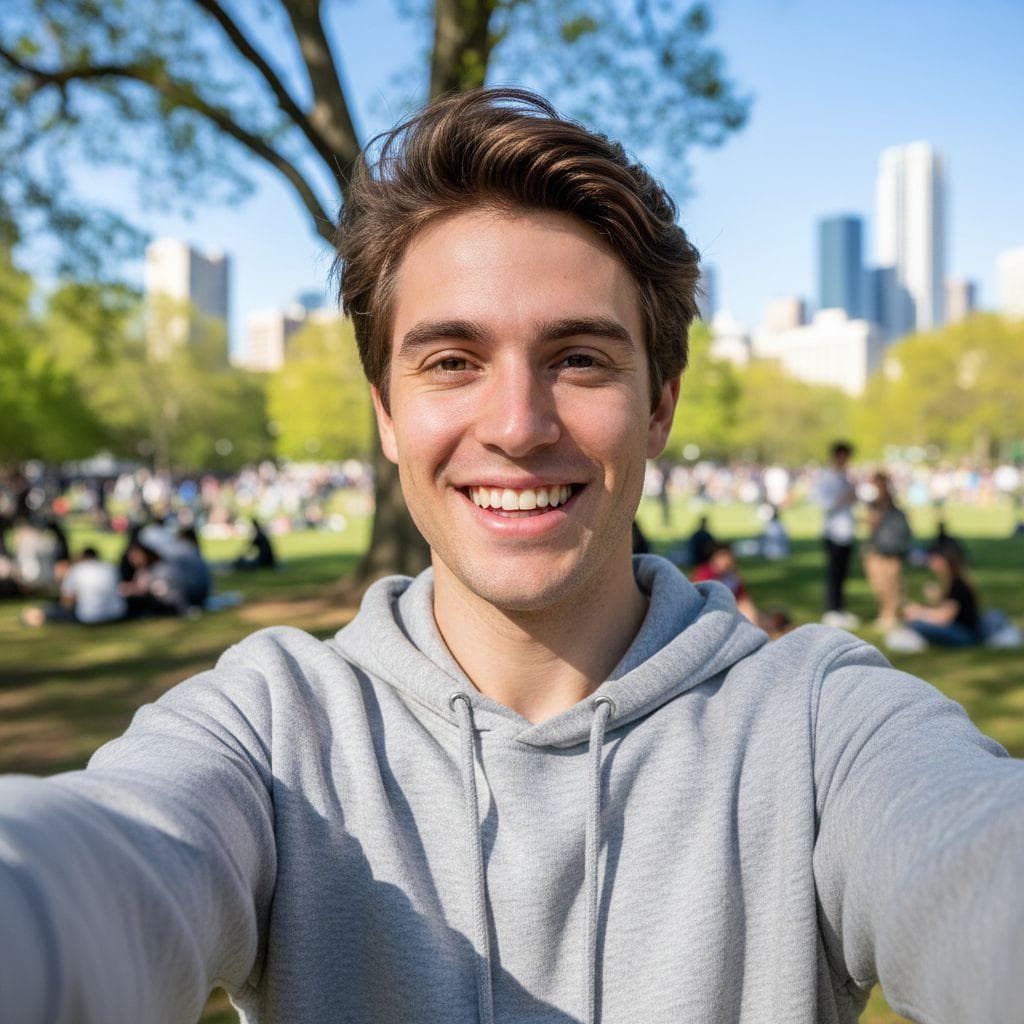
Upload a photo and PrankAI adds a large, obvious purple hickey on the side of the neck, with the collar pulled aside to show it. The face, the expression and the light stay exactly as they are in the photo.
No download required · Works in your browser · Ready in seconds
Make the Fake Hickey
Takes about fifteen seconds and one photo.
No password. We email you a code.
If you already have an account, we will log you in.
How the Fake Hickey Works
The AI changes only the neck and the collar. Everything else stays the same, which is why it is hard to tell it was edited. You do not need a spoon, makeup or a sticker.
How to Send It
Send it to the friend who knows you are single, or to a sibling, with no caption. It is a quick prank, so tell them it is fake before it reaches your parents or a partner.
How to make a fake hickey prank
- 1
Upload a photo
Pick any selfie or a picture of a friend. PrankAI works best with a clear, well-lit view of the face.
- 2
Let the AI generate it
Our AI builds a realistic, high-resolution result in seconds — no design skills or editing software needed.
- 3
Share the prank
Download your creation or send it straight to TikTok, Instagram, iMessage, or the group chat.
Fake Hickey questions
- How do I fake a hickey in a photo?
- Upload a photo where the neck is visible and press Create. The AI adds a hickey on the side of the neck.
- Does it change my face?
- No. Only the neck and the collar change.
Ready to try the Fake Hickey?
Upload a photo and let PrankAI do the rest. Your prank is seconds away.
Make the Fake Hickey
Takes about fifteen seconds and one photo.
No password. We email you a code.
If you already have an account, we will log you in.


