Infinity Pool Floatie AI Video
Upload one photo of a friend. The AI puts them on a giant pink flamingo float in a rooftop infinity pool high above a city, scrolling their phone. Someone off camera calls "hey bro", they answer "thank you bro", push off the wall and float straight over the edge of the building. Pick 5 or 10 seconds. The video has sound.
No download required · Works in your browser · Ready in about 3 minutes
Make the Infinity Pool Floatie Video
Takes about 3 minutes and one photo.
No password. We email you a code.
If you already have an account, we will log you in.
How the Infinity Pool Floatie Video Works
First the AI edits your photo. Your friend keeps their face, hair and build, and lies on the flamingo float in the rooftop pool. Then the AI animates that photo into the full clip: the "hey bro", the push off and the float going over the edge. A 10 second video has time for the whole clip. The video takes about 3 minutes.
The Infinity Pool Floatie Trend
The clip started as an AI video on Facebook at the end of October 2026 and reached TikTok as a CapCut template on November 3. People put a friend, a pet or a celebrity on the flamingo and post it with the "hey bro, thank you bro" sound. This page makes the same video from your own photo without CapCut.
Photos That Work Best
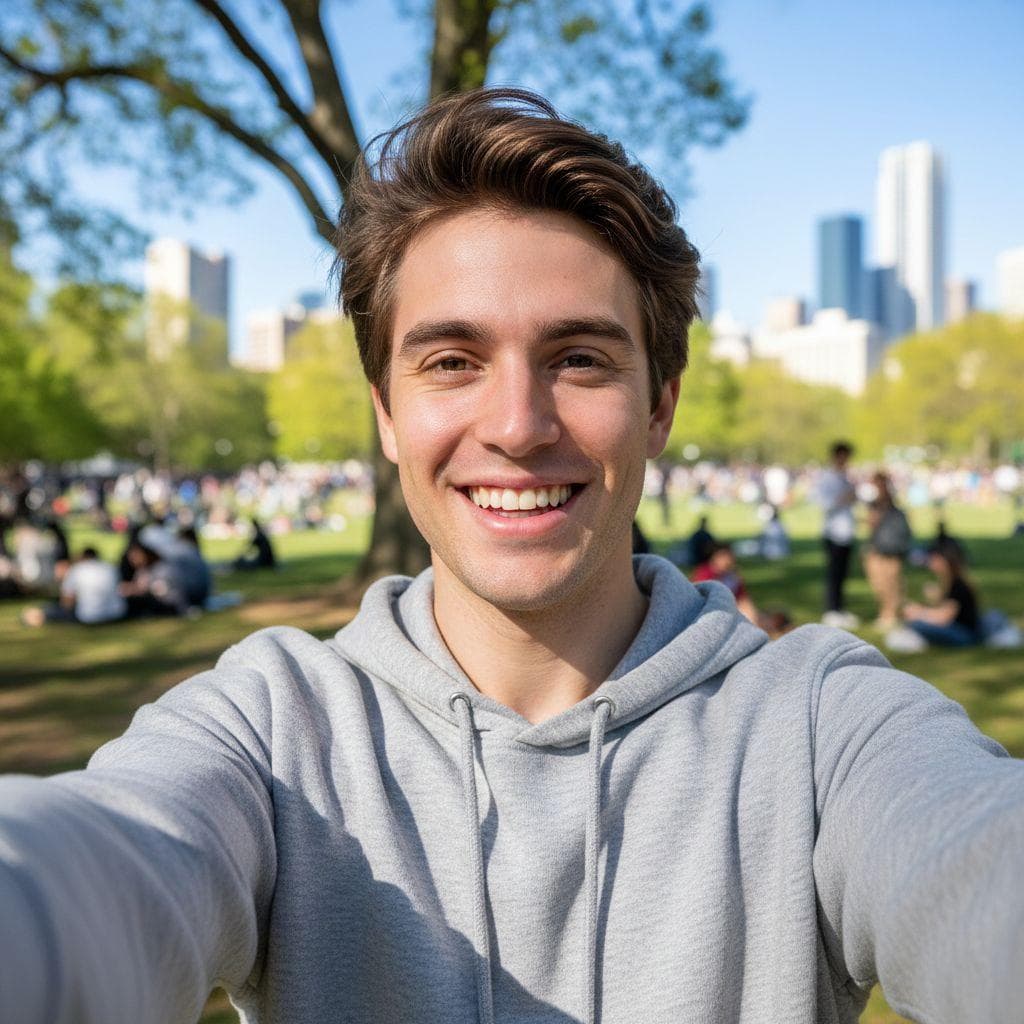
One person with their face in clear view and in good light. A selfie works. The AI builds the pool, the float and the city, so the place and the outfit in your photo do not matter.
How to make a infinity pool floatie video prank
- 1
Upload a photo
Pick any selfie or a picture of a friend. PrankAI works best with a clear, well-lit view of the face.
- 2
Let the AI generate it
Our AI builds a realistic, high-resolution result in seconds — no design skills or editing software needed.
- 3
Share the prank
Download your creation or send it straight to TikTok, Instagram, iMessage, or the group chat.
Step-by-step guide with screenshots: How to Make the Infinity Pool Floatie AI Video
Infinity Pool Floatie Video questions
- How do I make the infinity pool floatie video?
- Upload a photo of a friend, choose 5 or 10 seconds, and press Create. The video is ready in about 3 minutes.
- How many credits does it cost?
- 25 credits for 5 seconds and 50 credits for 10 seconds.
- Do I need a photo of them in a pool?
- No. Use any clear photo of them. The AI adds the rooftop pool and the pink flamingo float.
- What do they say in the infinity pool floatie video?
- A friend off camera calls "hey bro" and the person on the float answers "thank you bro" before they float off the edge.
Ready to try the Infinity Pool Floatie Video?
Upload a photo and let PrankAI do the rest. It is ready in about 3 minutes.
Make the Infinity Pool Floatie Video
Takes about 3 minutes and one photo.
No password. We email you a code.
If you already have an account, we will log you in.


