Santa Nice List AI Video
Upload one photo of yourself, a friend or your kid. The AI puts the photo in a golden frame in Santa's hands at his North Pole workshop. Santa reads down his Nice List scroll, says the person made the nice list this year and lifts the frame to the camera. Pick 5 or 10 seconds. The video has sound.
No download required · Works in your browser · Ready in about 3 minutes
Make the Santa Nice List Video
Takes about 3 minutes and one photo.
No password. We email you a code.
If you already have an account, we will log you in.
How the Santa Nice List Video Works
First the AI edits your photo. Santa sits in his workshop and holds a golden frame with a portrait of the person, who keeps their face, hair and clothes. A scroll headed Nice List lies on the desk. Then the AI animates that photo: Santa checks the scroll, speaks and lifts the frame while the camera moves in on the portrait. A 10 second video has time for the whole clip.
The Santa Nice List Trend
The trend started on TikTok in November 2025 with free CapCut templates where Santa shows a child in a snow globe or a golden frame. The biggest clip passed 8 million plays. A new template went up on November 5, 2026 and passed 100,000 uses in four days. This page makes a nice list video from your own photo without CapCut. Santa's voice in our video is made by the AI, and he does not say a name.
Photos That Work Best
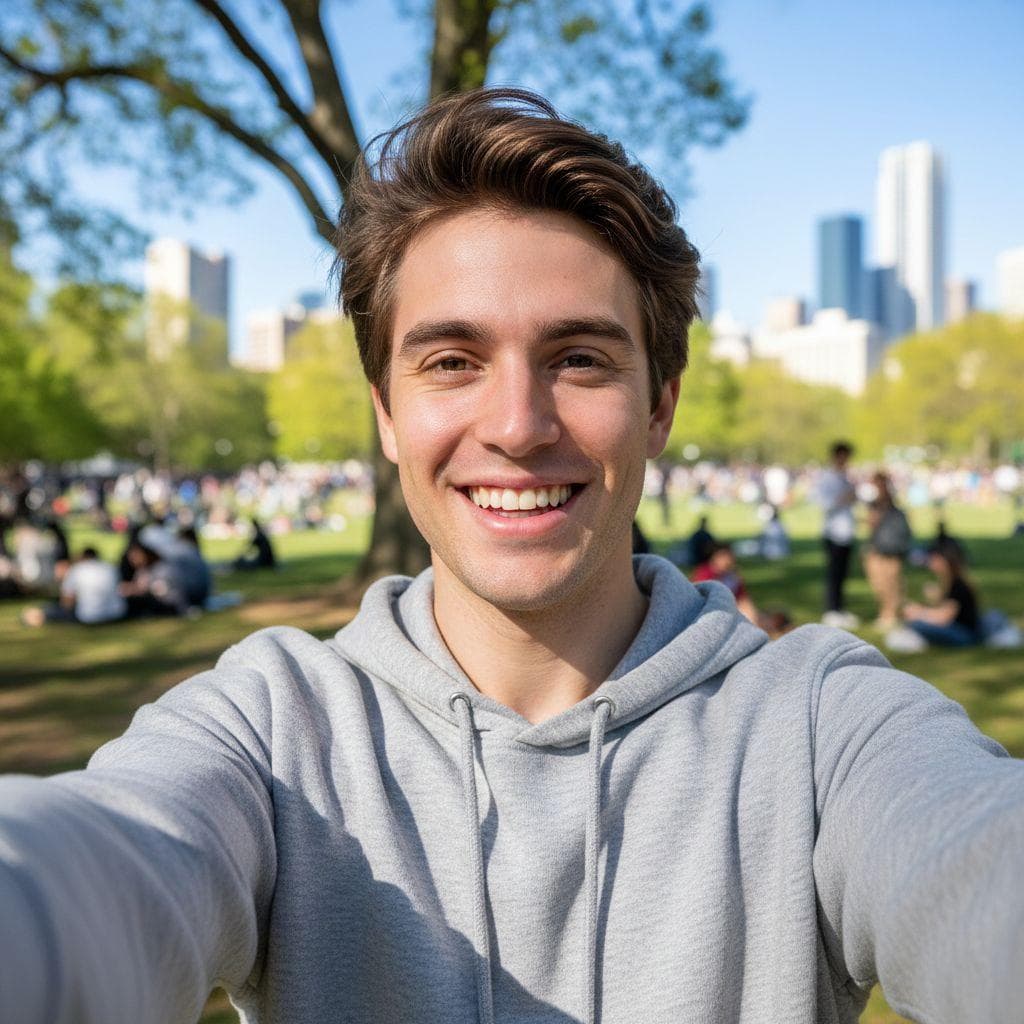
One person with their face to the camera and in good light, from the chest up. The AI builds Santa, the workshop and the frame, so the place in your photo does not matter.
How to make a santa nice list video prank
- 1
Upload a photo
Pick any selfie or a picture of a friend. PrankAI works best with a clear, well-lit view of the face.
- 2
Let the AI generate it
Our AI builds a realistic, high-resolution result in seconds — no design skills or editing software needed.
- 3
Share the prank
Download your creation or send it straight to TikTok, Instagram, iMessage, or the group chat.
Step-by-step guide with screenshots: How to Make the Santa Nice List AI Video
Santa Nice List Video questions
- How do I make a Santa nice list video?
- Upload a photo of one person, choose 5 or 10 seconds, and press Create.
- How many credits does it cost?
- 25 credits for 5 seconds and 50 credits for 10 seconds.
- Does Santa say my child's name?
- No. Santa says the person made the nice list this year and shows their photo.
- Do I need the CapCut Santa template?
- No. PrankAI makes the video in your browser or in the app from one photo.
Ready to try the Santa Nice List Video?
Upload a photo and let PrankAI do the rest. It is ready in about 3 minutes.
Make the Santa Nice List Video
Takes about 3 minutes and one photo.
No password. We email you a code.
If you already have an account, we will log you in.


