Pixar Snow Globe Trend
Upload one photo. The AI turns the person into a small 3D cartoon figure in a Pixar-like style and puts them inside a glass snow globe, between two Christmas trees and a snowman. Then the snow falls and the figure moves. Pick 5 or 10 seconds. The video has sound.
No download required · Works in your browser · Ready in about 3 minutes
Make the Pixar Snow Globe
Takes about 3 minutes and one photo.
No password. We email you a code.
If you already have an account, we will log you in.
How the Snow Globe Video Works
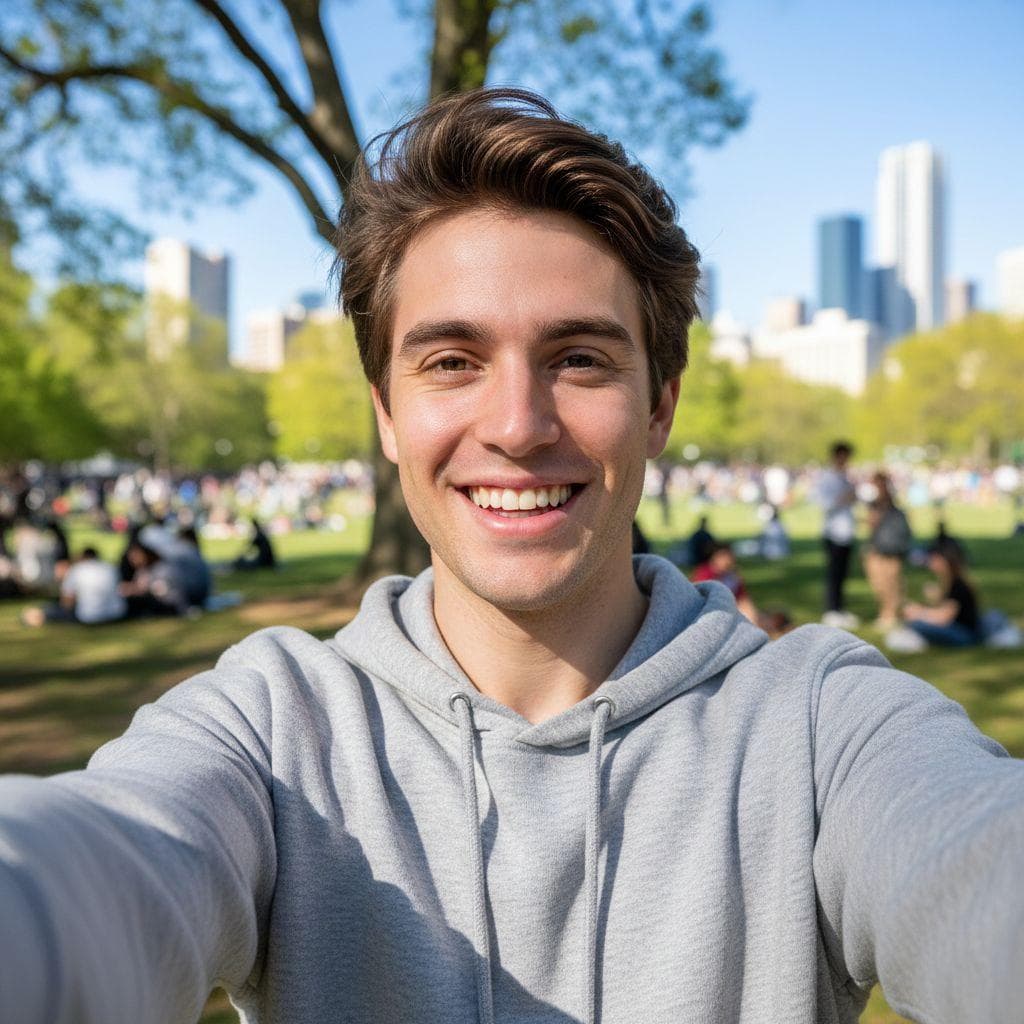
First the AI edits your photo. The person keeps their face shape, hair, skin tone, glasses and clothes, drawn as a cartoon with big eyes, and stands in the snow inside the globe. Then the AI animates that picture: the camera moves in, the snow falls inside the glass, and the figure moves. The example on this page is a 10 second video made from a selfie of one person.
The Pixar Snow Globe Trend
The Pixar snow globe trend is a Christmas video that started on TikTok in November 2026 as a CapCut template. A normal photo of a couple, a family or a dog turns into a snow globe with tiny cartoon versions of them inside. People search for it as "Pixar snowglobe trend", "Pixar snow globe AI" and "snow globe trend". In the TikTok version, the globe rises over the photo first. Our video starts on the globe. The figures are you, not Pixar characters. PrankAI is not connected to Pixar or Disney.
Photos That Work Best
One person with their face to the camera, in good light. A full-body photo works best because the figure stands in the snow, but a selfie works too. People in the background of the photo are left out of the globe.
How to make a pixar snow globe prank
- 1
Upload a photo
Pick any selfie or a picture of a friend. PrankAI works best with a clear, well-lit view of the face.
- 2
Let the AI generate it
Our AI builds a realistic, high-resolution result in seconds — no design skills or editing software needed.
- 3
Share the prank
Download your creation or send it straight to TikTok, Instagram, iMessage, or the group chat.
Step-by-step guide with screenshots: How to Make the Pixar Snow Globe Trend Video
Pixar Snow Globe questions
- How do I make the Pixar snow globe video?
- Upload a photo, choose 5 or 10 seconds, and press Create.
- How many credits does it cost?
- 25 credits for 5 seconds and 50 credits for 10 seconds.
- Can I put my partner or my family in the globe?
- No. This video takes a photo of one person. A photo with two or more faces is rejected.
- Does the video have the TikTok song?
- No. The AI makes its own Christmas music with the video. You can add the trend's sound when you post.
- Is this the Pixar short film with the snow globe?
- No. That is Knick Knack, a Pixar short film from 1989. The TikTok trend is a fan-made AI template in a Pixar-like 3D style.
Ready to try the Pixar Snow Globe?
Upload a photo and let PrankAI do the rest. It is ready in about 3 minutes.
Make the Pixar Snow Globe
Takes about 3 minutes and one photo.
No password. We email you a code.
If you already have an account, we will log you in.


